
Free Online Image & PDF Tools You Can Actually Trust
PixyTools is a browser-based suite for compressing, converting, cropping, and generating images. Every tool runs entirely on your device — nothing you upload is ever sent to a server.
No sign-up, no watermark, no daily limits. Open a tool, drop in a file, and get your result in seconds.
- 100% Free
- No Signup
- Privacy First
- Fast & Secure

Our Powerful Tools
Each tool below solves one specific image or file task. They're built to be fast for quick edits, but capable enough for daily production work.
Image Compressor
Shrink JPG, PNG, and WebP files by up to 90% while keeping the difference invisible to the eye. Useful for speeding up website load times or fitting under upload size limits.
Format Converter
Switch between JPG, PNG, WebP, GIF, and other common formats with control over quality and transparency, so the output works wherever you need it.
Crop Image
Trim to an exact aspect ratio or pixel size for avatars, thumbnails, banners, or social media posts, with a live preview as you drag.
Color Palette Extractor
Upload any photo or design and pull out its dominant colors as ready-to-use HEX and RGB values for your next project.
Text to Image
Turn typed text into a styled image — handy for quote graphics, watermark-free captions, or placeholder art.
QR Code Generator
Create a scannable QR code for a URL, Wi-Fi login, or plain text, and download it as a transparent PNG for print or web use.
Base64 Encode
Convert text or small files into a Base64 string for embedding directly into HTML, CSS, or JSON without a separate file request.
Base64 Decode
Paste a Base64 string back in to recover the original text or file instantly, no installation required.
Powerful PDF tools, right in your browser
Merge, split, compress, convert, and organize PDFs without uploads, accounts, or complicated desktop software.
How PixyTools Works
Compress, convert and edit your files in just three simple steps. No installation, no account and no hidden charges.
Choose a Tool
Select the right tool for your task from our collection of image, PDF and document utilities.
Upload Your File
Drag & drop your file or browse from your device. Processing begins instantly and securely.
Download Instantly
Your processed file is ready within seconds. Download it immediately without registration.
Smart Image Compression
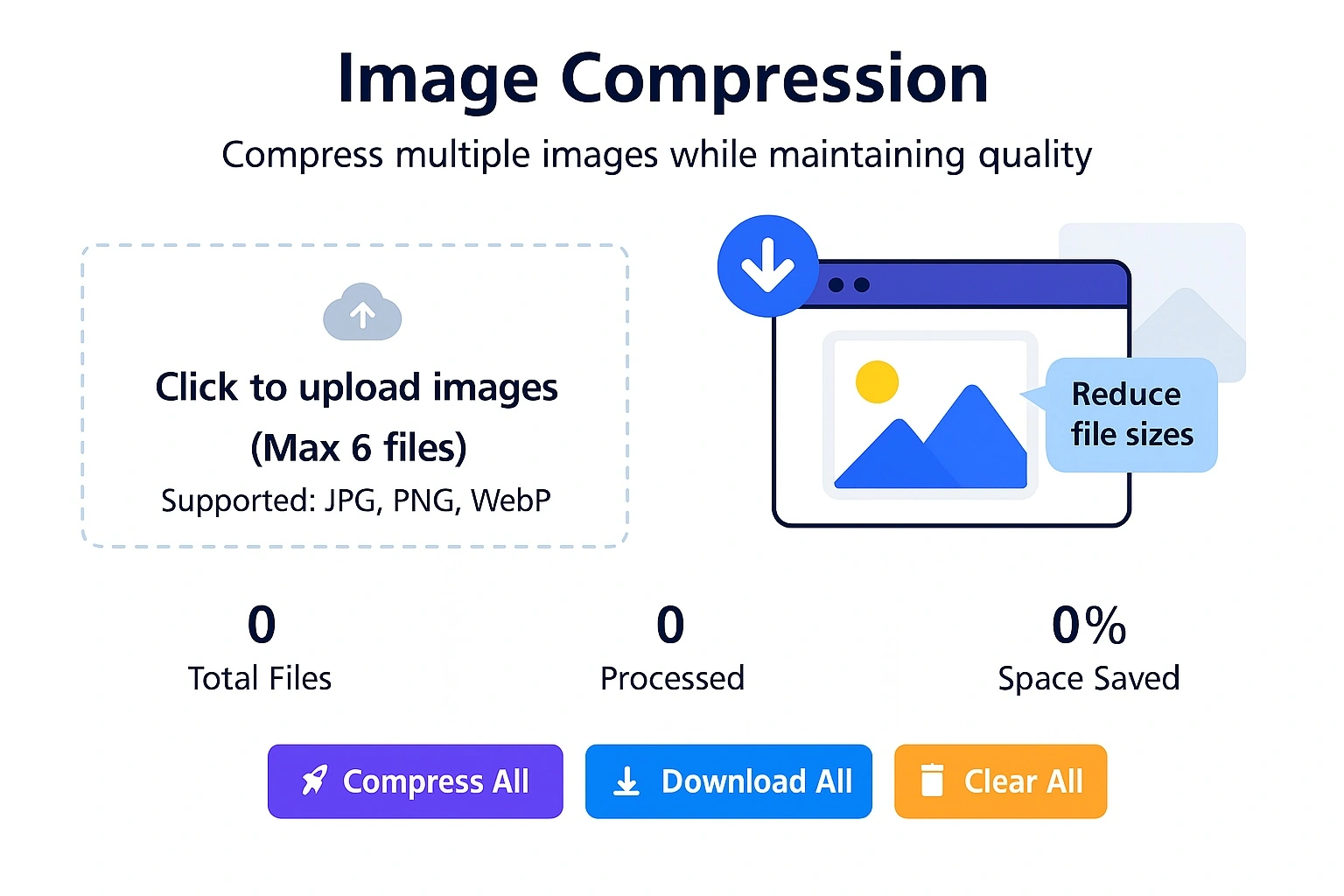
Reduce file sizes by up to 90% without a visible drop in quality. PixyTools uses your browser's own image-processing engine, so compression happens locally — nothing is uploaded to a server, and there's no queue to wait in.
- Compress multiple images simultaneously
- Maintain visual quality while reducing size
- Support for JPG, PNG, and WebP formats
- Secure processing — files never leave your browser
- Batch process up to 6 images at once
Who Uses PixyTools
A few of the everyday situations PixyTools is built for — from faster websites to perfect product photos.
Website Owners
Compress and optimize images before uploading to improve website speed, reduce page size, and enhance SEO performance—all while maintaining high visual quality.
Online Sellers
Marketplaces like Etsy, Amazon, and Shopify often cap file sizes or require specific formats. The converter and compressor together make it quick to get a batch of listing photos into the right shape.
Developers
The Base64 encoder is useful for inlining small icons or fonts directly into CSS or JSON without adding another network request, and the QR generator is handy for testing deep links during development.
Designers
Pulling a color palette from a reference photo or a client's brand image is a fast way to start a mood board or match an existing look before opening a heavier design tool.
Why people use PixyTools
Simple, fast, reliable. Here's why people keep coming back.
Lightning Fast
Files are processed the moment you drop them in — no upload queue, no waiting on a server.
Secure & Private
100% client-side processing. Your files never leave your device, so there’s nothing to worry about.
No Installation
Works directly in your browser on any device — no software, no downloads, no setup.
Free & Unlimited
No hidden fees or limits. Use every tool as much as you want, always free.
User-Friendly
Clean, simple interfaces that get out of your way, whether it’s your first visit or your hundredth.
Regularly Updated
New tools and improvements ship based on feedback from people actually using them.
Frequently Asked Questions
Yes. Every tool is free to use with no sign-up, no watermark, and no daily limit on how many files you process.
No. All processing happens locally in your browser using JavaScript. Your files are never sent to a server, which also means they're gone the moment you close or refresh the tab.
The compressor and converter support JPG, PNG, and WebP. Other tools work with plain text, Base64 strings, or generate their own output image.
Some quality is technically lost with lossy compression, but the compressor is tuned to keep the difference imperceptible at normal viewing sizes. You can also adjust the quality slider if you want a smaller file at a visible trade-off.
Yes, all tools work in any modern mobile browser. Processing speed depends on your device's hardware since everything runs locally rather than on a server.

Ready to Boost Your Productivity?
Pick a tool above and see your first result in under a minute — no account needed.
Start Using FileDrop →